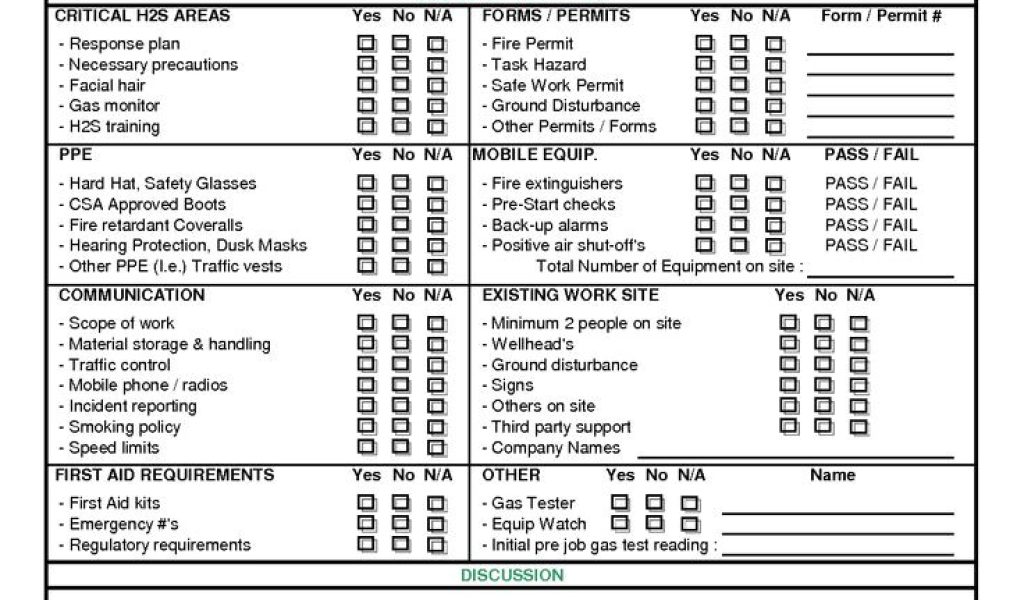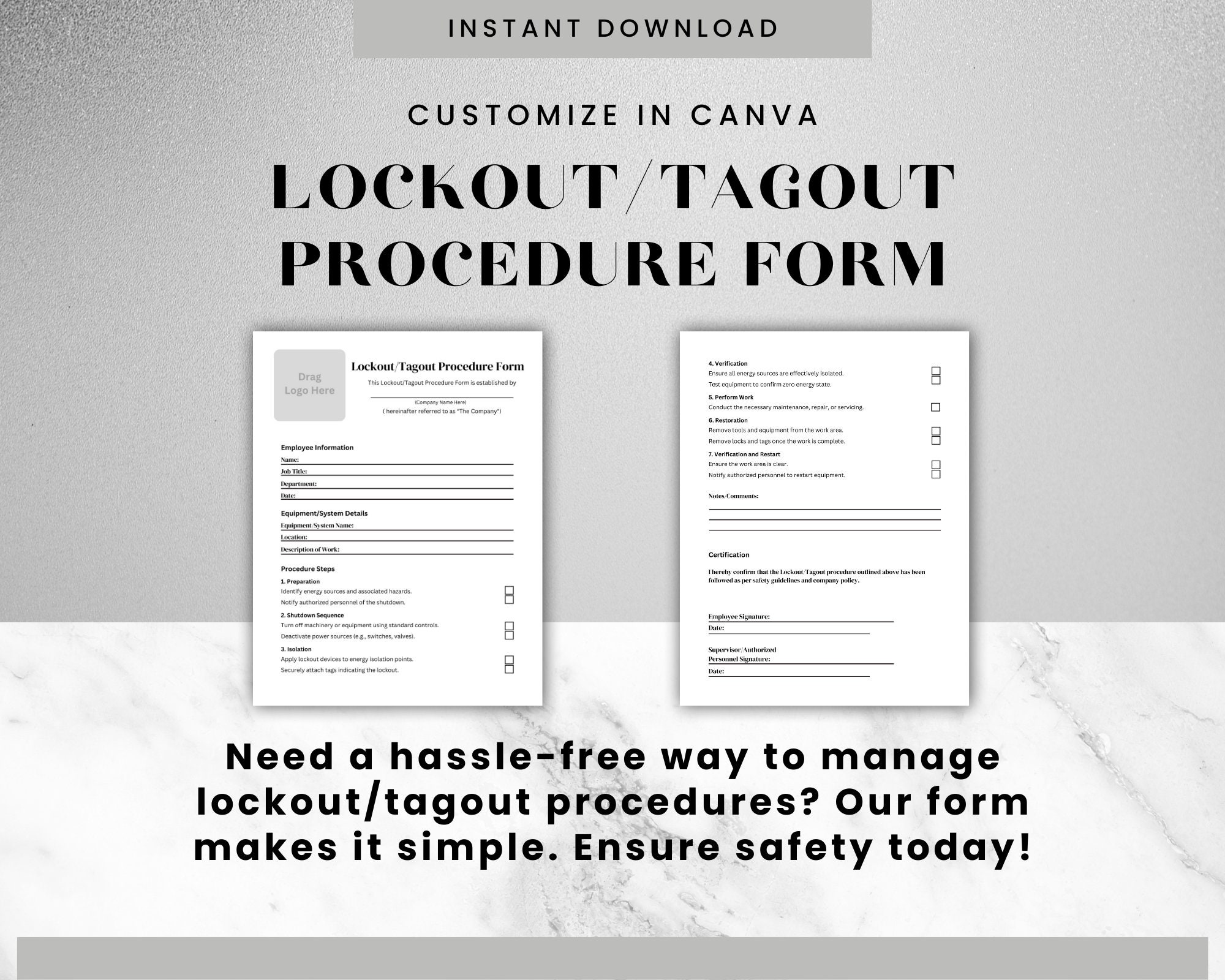
A sample lockout tagout procedure form can save time—but only if it’s adapted correctly. Too many workplaces copy a template from a PDF or a safety site, print it out, and call it compliant. That’s not just risky—it’s a liability. OSHA doesn’t accept “we used a form we found online” as a defense when an employee gets injured during servicing.
A real lockout tagout (LOTO) procedure must reflect your specific equipment, energy sources, and workflow. A sample form is a starting point—like training wheels. But if you never customize it, you’re riding blind.
Let’s break down how to use a sample LOTO procedure form effectively, where most organizations fail, and what a compliant, practical procedure actually looks like in action.
What Is a Lockout Tagout Procedure Form?
A lockout tagout procedure form is a documented step-by-step guide for safely de-energizing equipment before maintenance or repair. It identifies:
- Energy sources (electrical, hydraulic, pneumatic, thermal, chemical, etc.)
- Isolation points (circuit breakers, valves, disconnects)
- Lock application points
- Verification steps
- Authorized employee responsibilities
The form ensures that every worker follows the same safe process—no assumptions, no shortcuts.
A sample LOTO form provides structure: sections, headings, and basic language. But it doesn’t know your facility. It can’t list your circuit breaker panel number or your hydraulic release valve. That’s your job.
Why Most Sample LOTO Forms Fail in Practice
Templates often fail because they’re treated as one-size-fits-all. Here’s where shortcuts happen:
1. Generic Energy Source Lists
Many samples list “electrical” or “pneumatic” without identifying specific components. But OSHA requires precision. “Electrical disconnect at Panel B, Bay 3” is compliant. “Main power” is not.
2. Missing Equipment-Specific Steps A sample form won’t include how to safely depressurize your industrial press or drain residual energy from your conveyor system. If the form doesn’t reflect actual machine behavior, it's useless.
3. Assumed Employee Knowledge Templates often skip basic warnings like “verify zero energy using a voltage tester” because they assume users know. But new technicians may not. A good form trains and documents.
4. No Verification Step One of the most common gaps: no clear “verify isolation” section. You can lock everything out, but if you don’t test the machine, you haven’t completed the procedure.
Key Sections of an Effective LOTO Procedure Form
Use a sample form as a skeleton—but build it into a full body. Every compliant LOTO procedure should include these sections:
1. Equipment Identification
- Machine name and ID number
- Location (building, room, line)
- Photo or diagram (recommended)
Example: “Hydraulic Shear Press – Model HSP-4000, Line 2, West Bay. [Insert photo]”
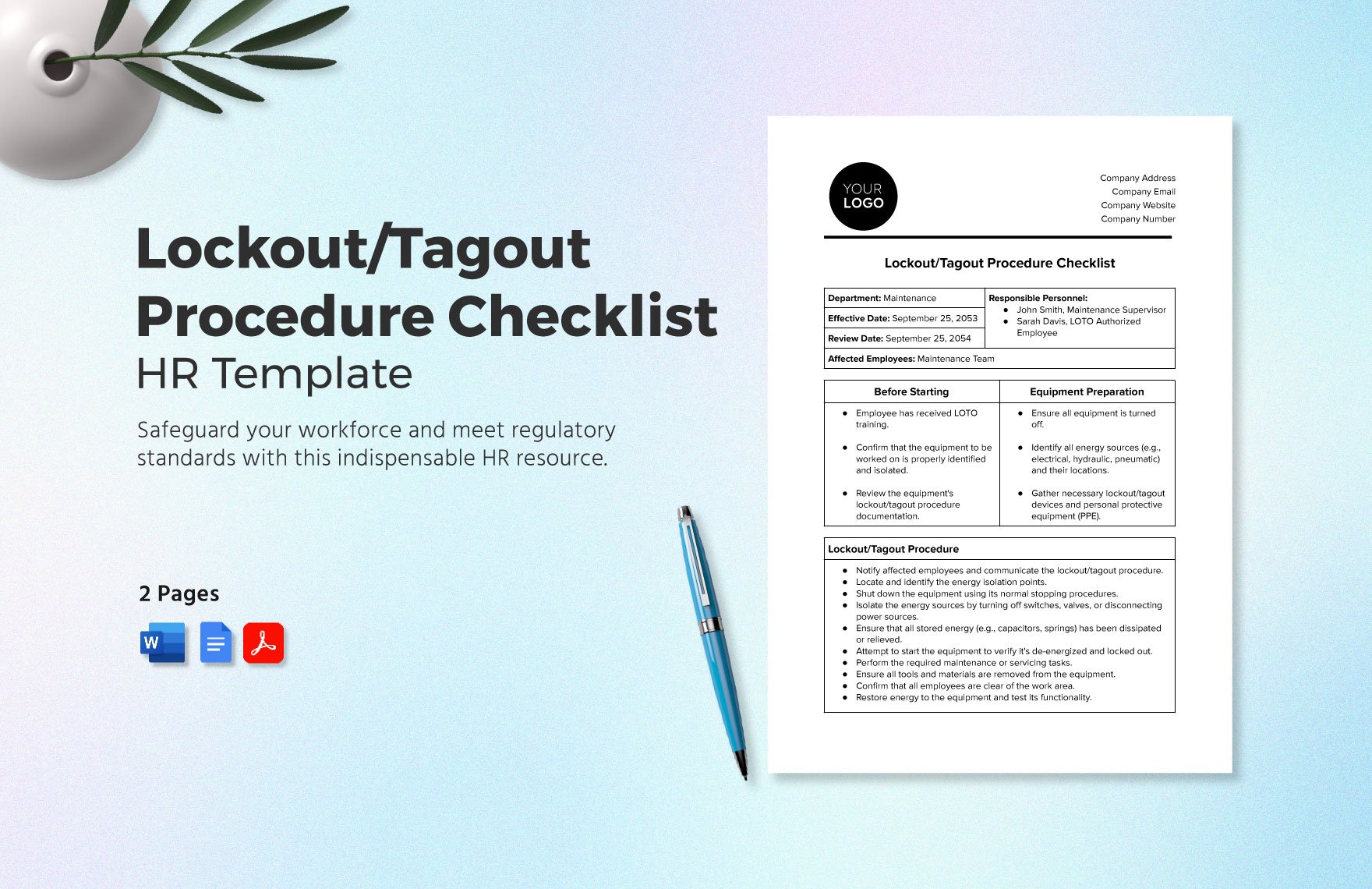
2. Energy Sources List every energy type and source. Be specific.
| Energy Type | Source | Isolation Method |
|---|---|---|
| Electrical | 480V feeder, Panel C-7 | Circuit breaker lockout |
| Hydraulic | Accumulator @ 2,800 psi | Valve bleed and manual dump |
| Mechanical | Flywheel inertia | Lock brake engagement point |
3. Step-by-Step Shutdown & Isolation Use numbered steps. Include preparatory actions.
- Steps:
- Notify all affected employees that maintenance is beginning.
- Shut down the machine via the emergency stop button.
- Turn off the main power switch at the control panel.
- Open the circuit breaker at Panel C-7 and apply lockout device.
- Close and lock hydraulic isolation valve; open bleed valve until pressure reads 0 psi.
- Engage mechanical brake lock.
4. Lock Application Points Indicate where each lock goes. Include:
- Lock number
- Authorized employee name
- Date and time applied
Use a table or diagram.
5. Verification of Zero Energy
This is non-negotiable. Include:
- Tools used (e.g., multimeter, pressure gauge)
- Test points
- Acceptable readings
“Use Fluke 87V to test phase-to-phase voltage at motor terminals. Confirm <5V AC.”
6. Removal Procedure Detail how and when locks are removed:
- Only the authorized employee may remove their lock
- Confirm machine is clear of tools and personnel
- Notify affected employees before re-energizing
How to Adapt a Sample LOTO Form for Your Facility
You don’t need to build from scratch. Here’s how to use a sample safely and effectively:
Step 1: Start with a Reputable Sample Use templates from OSHA, NIOSH, or recognized safety organizations. Avoid random blogs with poorly formatted PDFs.
Step 2: Conduct a Machine Energy Audit For each piece of equipment, identify: - All energy sources - Isolation methods - Residual energy risks (e.g., stored pressure, elevated parts)
Involve maintenance techs—they know where things go wrong.
Step 3: Customize the Template Replace placeholder text
with real data:
- Machine IDs
- Panel numbers
- Valve locations
- Test procedures
Step 4: Add Visuals Photos, diagrams, or QR codes linking to videos help prevent mistakes. A photo of the correct circuit breaker prevents someone from locking the wrong one.
Step 5: Test the Procedure Have an authorized employee follow the form during a planned maintenance. Time it. Flag unclear steps. Revise.
Step 6: Train and Audit Train all affected and authorized employees on the new procedure. Audit quarterly—watch someone perform a full LOTO cycle.
Real-World Example: Conveyor System LOTO
Here’s how a customized form improves on a basic sample.
Sample Template Entry: > “Disconnect power before servicing.”

Customized, Compliant Version: > Equipment: Main Production Conveyor – CON-210 > Energy Sources: > - Electrical: 120V control circuit, Breaker #4, MCC Room 2 > - Mechanical: Gravity-fed rollers – secure with locking pins > > Steps: > 1. Press E-stop at Station 5. > 2. Turn off control switch at HMI panel. > 3. Open Breaker #4 in MCC Room 2. Apply lock and tag. > 4. Insert roller lock pins at Sections A and C. > 5. Test for zero energy: verify 0V at J1 terminal block using multimeter. > 6. Confirm no product on conveyor. > > Verification: Use a non-contact voltage tester and visual inspection.
The difference? Specificity. Safety.
Common Mistakes When Using Sample LOTO Forms
Even with a good template, errors creep in:
❌ Copy-Pasting Without Review
Using the same steps for a lathe and a boiler? Dangerous. Each machine has unique hazards.
❌ Letting One Person Control All Locks LOTO requires individual locks. A single master lock violates OSHA’s “each employee applies their own lock” rule.
❌ Skipping Verification Locking isn’t the same as verifying. Workers assume power is off—until a servo kicks on.
❌ Poor Form Accessibility If the LOTO form is stored on a network drive no one checks, it’s not usable. Print and post near the machine or use digital tablets on site.
❌ Infrequent Updates Machines change. Controls get upgraded. If your LOTO form isn’t updated, it’s outdated.
5 Tools to Help Build and Manage LOTO Procedures
You don’t have to manage this on paper. These platforms help create, store, and audit LOTO forms:
| Tool | Best For | Key Features |
|---|---|---|
| SafeSite Facility | Digital LOTO workflows | Mobile forms, photo uploads, audit trails |
| LockOut/TagOut Pro | Small to mid-sized manufacturers | Pre-built templates, lock inventory, training logs |
| EHS Insight | Enterprise safety management | Integrates LOTO with incident reporting, audits |
| FTA LOTO Manager | Visual procedure builder | Drag-and-drop flowcharts, QR code tagging |
| Plex DEM | Manufacturers using ERP | Embeds LOTO into maintenance workflows |
Choose one that supports customization—not just generic forms. The goal is alignment with real operations.
Final Checklist: Is Your LOTO Procedure Actually Compliant?
Before relying on any sample-based form, verify:
- ✅ Every energy source is listed and addressed
- ✅ Isolation points are specific (not “main power”)
- ✅ Verification steps are included and testable
- ✅ Only authorized employees are listed as lock appliers
- ✅ The form is machine-specific, not generic
- ✅ Employees have been trained on this procedure
- ✅ A review process is scheduled (at least annually)
If you can’t check all these, your form is a liability.
A sample lockout tagout procedure form is a tool—not a solution. The real work happens when you customize it, test it, and live by it. Safety isn’t about having a document. It’s about having the right document—and using it every single time. Start with a sample. Finish with precision.
FAQ
What should you look for in Sample Lockout Tagout Procedure Form: How to Use It Right? Focus on relevance, practical value, and how well the solution matches real user intent.
Is Sample Lockout Tagout Procedure Form: How to Use It Right suitable for beginners? That depends on the workflow, but a clear step-by-step approach usually makes it easier to start.
How do you compare options around Sample Lockout Tagout Procedure Form: How to Use It Right? Compare features, trust signals, limitations, pricing, and ease of implementation.
What mistakes should you avoid? Avoid generic choices, weak validation, and decisions based only on marketing claims.
What is the next best step? Shortlist the most relevant options, validate them quickly, and refine from real-world results.